Blender 3D: Noob to Pro/Nav Demo Page 2
Jump to navigation
Jump to search


This is page two of this three-page sample wikibook, so it has link to the next page as well as a link to the previous page.
Test Tutorial[edit | edit source]
This is a test tutorial. Please feel free to play around with this and try new things.

test label
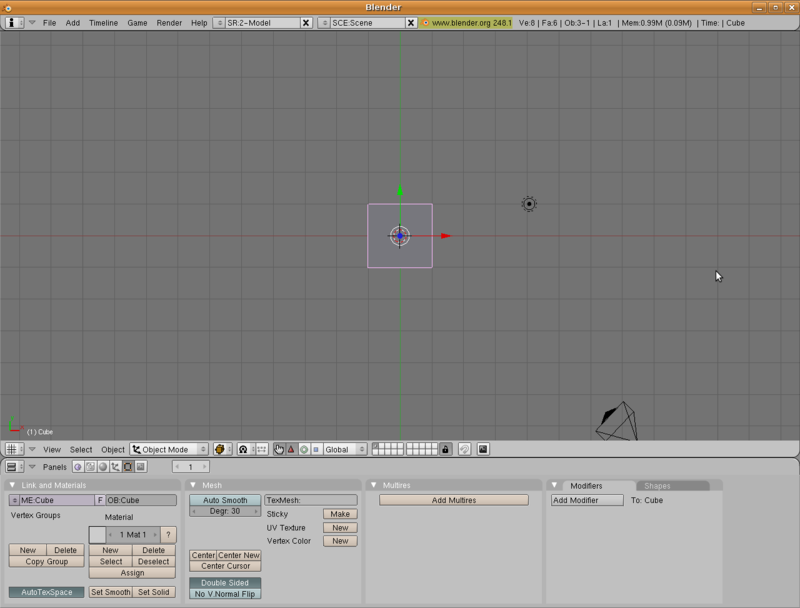
When you open up Blender for the first time, you'll probably see something that looks a lot like this.
This top larger portion is the 3D Viewport window.
This section on the bottom is the Buttons Window.
yellow themed box
This text box has a yellow theme. This might be good for post it notes type boxes.
red themed box
This one has a red theme. It screams "WARNING! DANGER!"
blue box!
This one is obviously... blue! Who knows what it could be good for!